
Disabled Placard Recertification

You can submit a Disabled Placard Recertification online to recertify an existing Kansas disabled placard. There is no fee to submit the form.
All fields are required unless they are marked optional.
Before you begin
You can use the Disabled Placard Recertification form when:
- You are recertifying an existing disabled placard.
- You submit the recertification within 30 days of the expiration date shown on your existing placard.
- Your current physical address is in Kansas.
If more than 30 days have passed since your placard expired, you will need to complete a new Certification of Disability for Disabled Parking application.
If you are applying for disabled plates, a placard, a decal, or an identification card for the first time, complete the TR-159 form and submit it according to the instructions on the form.
Enter your personal information
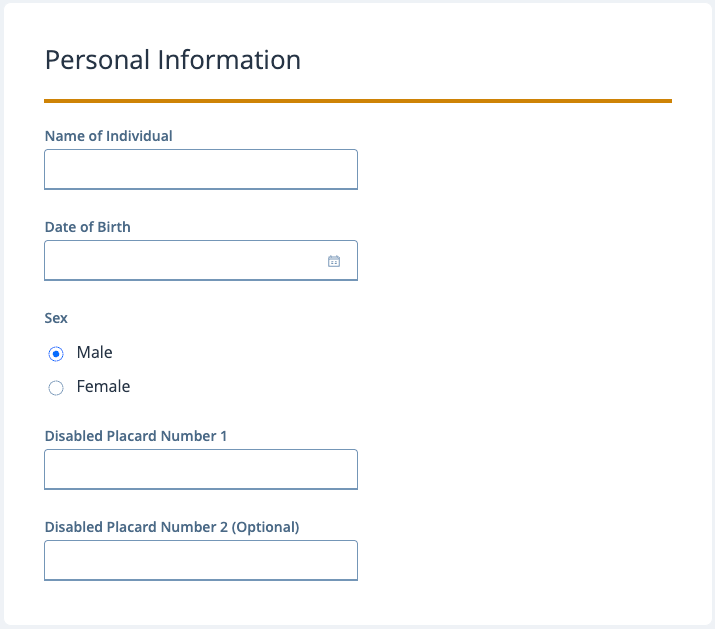
In the Personal Information section:
- Enter your name in Name of Individual.
- Enter your Date of Birth.
- Select your Sex.
- Enter your current placard number in Disabled Placard Number 1.
- If you have a second placard, enter its number in Disabled Placard Number 2 (Optional).
Enter your contact information
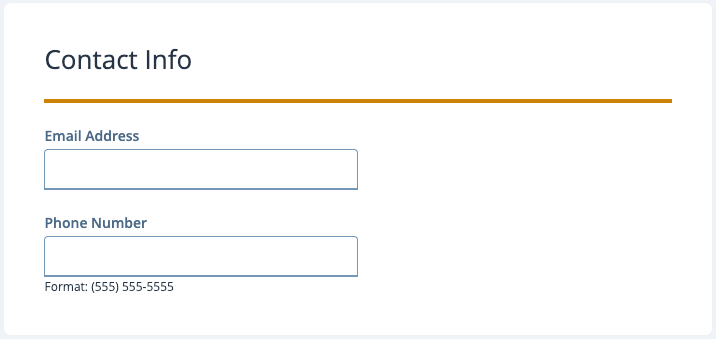
In the Contact Info section:
- Enter your Email Address.
- Enter your Phone Number using the format 555-555-5555.
Enter your physical address
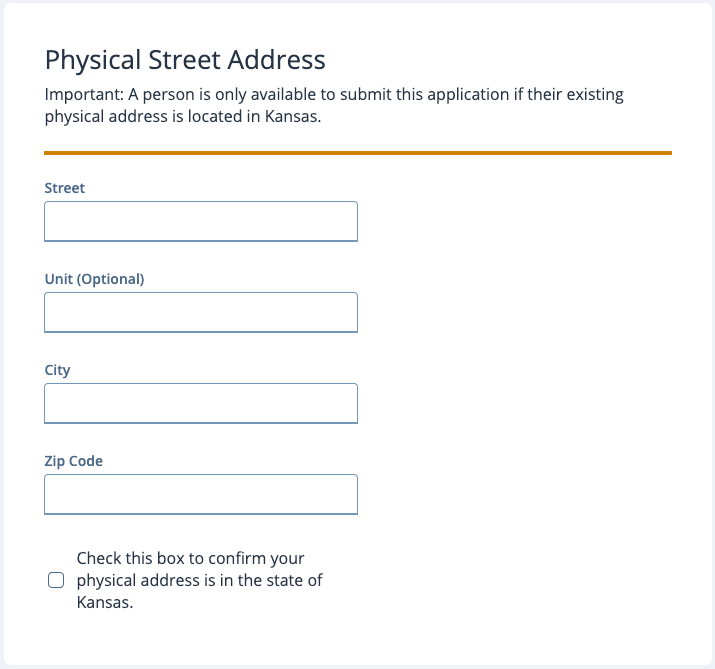
Enter your current physical address in the Physical Street Address section. Your physical address must be in Kansas to submit the recertification.
- Enter your Street address.
- Enter your Unit number, if applicable.
- Enter your City.
- Enter your Zip Code.
- Select the checkbox to confirm that your physical address is in Kansas.
Enter a mailing address, if needed
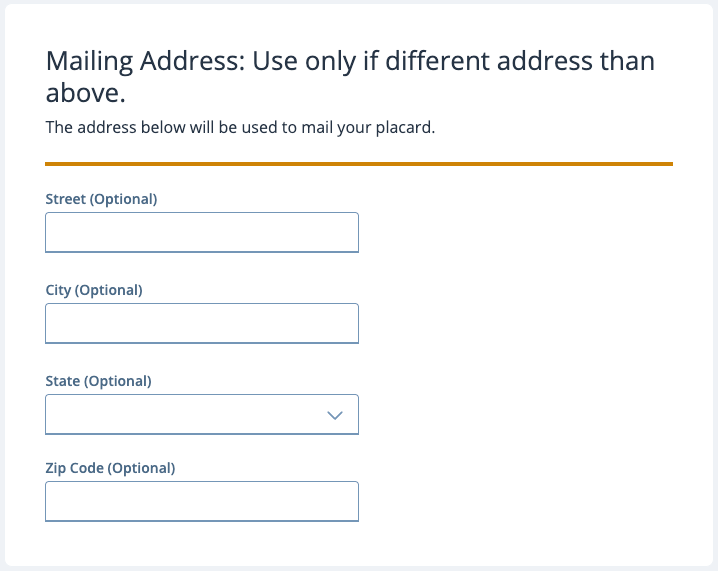
If you want your placard mailed to an address other than your physical address, complete the Mailing Address section.
Enter the street address, city, state, and zip code where you want to receive your placard.
If your mailing address is the same as your physical address, leave this section blank.
Certify and submit the form
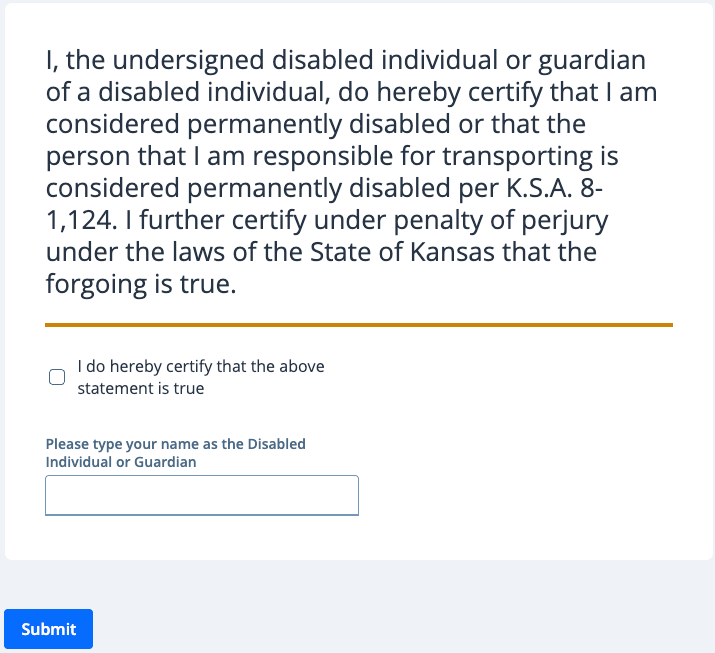
Review the certification statement before submitting your recertification.
- Select the checkbox to certify that the statement is true.
- Enter your name as the disabled individual or guardian.
- Review the information you entered for accuracy.
- Select Submit.
There is no payment required to submit the Disabled Placard Recertification form.